Requested a Contractor Quote and Now Everyone Is Calling? (US and Canada)
One quote request can reach several pros at once. Why Angi, HomeAdvisor and quote sites call so much, how to stop it, and what number to give next time.
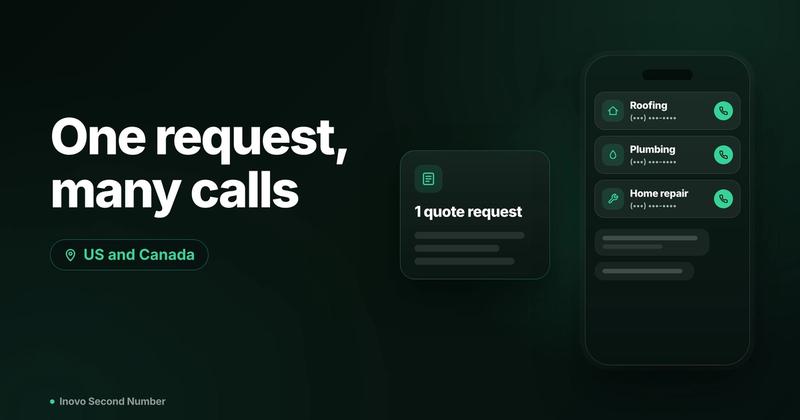
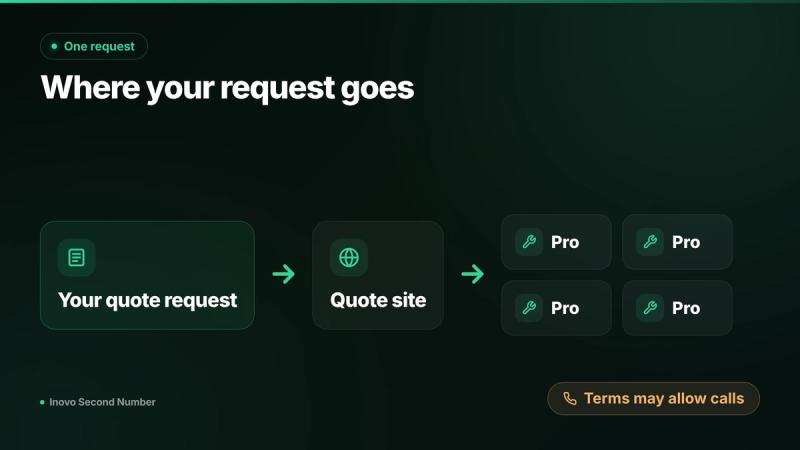
Many quote sites pass one request to several pros at once, and the sign up terms often let them call and text you, so the calls arrive together. Tell each caller to stop, reply STOP to texts, close the request on the site, and next time give a separate number you only use for quotes.
The short version
- Why: one request can reach several pros, and the terms often allow calls.
- HomeAdvisor: calls from up to four pros, per its terms.
- Thumbtack and HomeStars: your number goes only to pros you pick.
- Stop it: tell callers to stop, reply STOP and close the request.
- Next time: use a separate number for home projects.
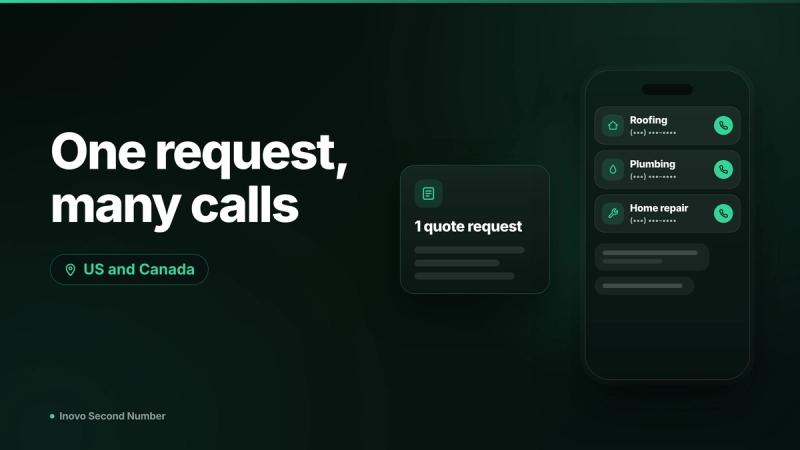
Why does one quote request bring so many calls?
On many sites, your request is a lead that pros pay for. Contractor calls after quote request submissions usually come from one of two setups:
- Lead marketplaces. A site matches your request with several local pros who want the job.
- Quote forms. A "get free quotes" form may pass your details to the site's partners.
In January 2023 the FTC proposed an order requiring HomeAdvisor, which also does business as Angi Leads, to pay up to 7.2 million dollars, and the final order was issued in April 2023. It bars HomeAdvisor from claiming its leads concern people who are "ready to hire" or who submitted a request directly to HomeAdvisor. The case was about selling leads to pros, not a privacy finding.
Pros compete for the same job, so each calls fast, and the fine print usually lets them, sometimes by automated calls and texts.
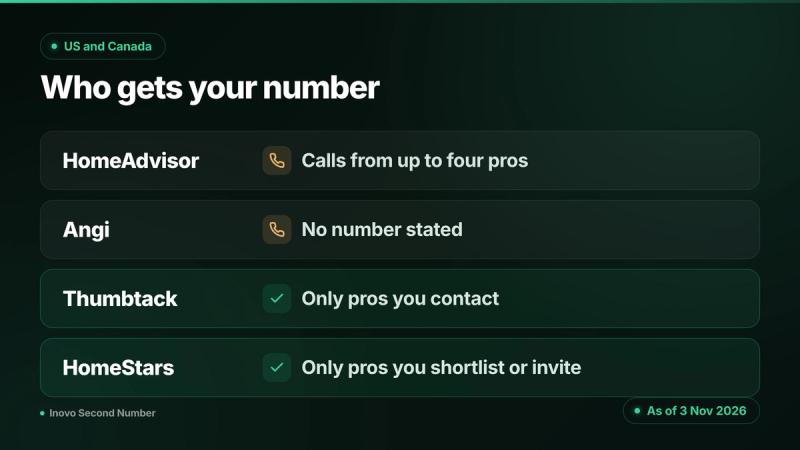
How do Angi, HomeAdvisor, Thumbtack and HomeStars handle your number?
Each works differently. Everything below is as of 3 Nov 2026.
Angi and HomeAdvisor
HomeAdvisor's Terms and Conditions (effective Jan 29, 2024, checked Nov 3, 2026) say that by submitting a request you authorize "calls from up to four service professionals that can help you with your request to the land-line or mobile phone number you provided". HomeAdvisor or the pros "may use automated phone technology", and you consent to contact "even if you are listed on any federal, state, provincial or other applicable 'Do Not Call' list".
Angi's Project Submission Customer Agreement (updated 18 Sep 2026) authorizes "calls from Service Providers that can help you with your request" and no longer names a number; earlier versions said up to four. Angi's privacy policy (updated 15 July 2026) lists your phone number among details it discloses to "Service professionals that perform and fulfill your service requests".
Thumbtack
Thumbtack's help page on finding a pro says "your number is only shared with pros who you've decided to contact directly." Other interested pros may message you, but they "won't see your phone number unless you decide to respond back." You can contact up to five pros in the first four hours, so count every pro you tap.
Calls and texts may run through Thumbtack numbers. Thumbtack says most customers will see "Thumbtack" on their caller ID.
HomeStars in Canada
HomeStars' help page on requesting quotes says other local pros can express interest in your job, but "your contact details will only be shared with pros you shortlist", or with those who accept your invitation. Its how it works page says the same.
Generic "get free quotes" sites
Some quote forms are run by lead generators whose consent box covers calls from the site and its "partners". A 2023 FCC rule would have required separate one to one consent for each seller, but the Eleventh Circuit vacated it on 24 Jan 2025 in Insurance Marketing Coalition v. FCC.
How do you stop the calls right now?
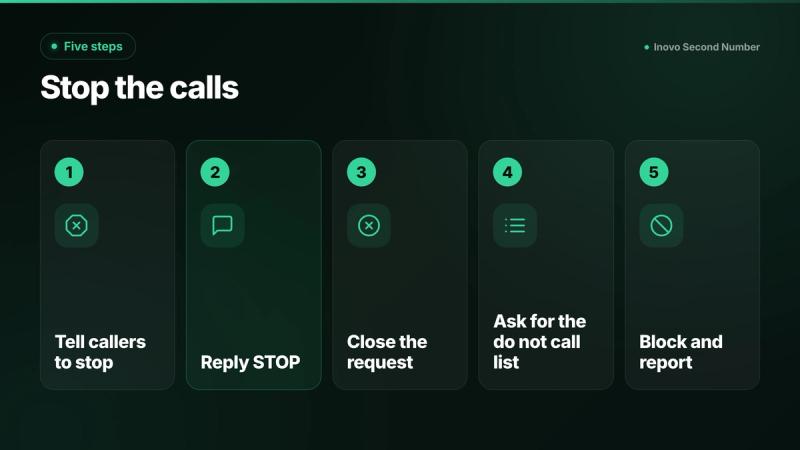
- Tell each caller to stop. Say you're no longer looking, and note the date and company.
- Reply STOP to texts. In the US, FCC rules in force since 11 April 2025 say covered callers must honor a revocation made by any reasonable means, such as replying STOP, within 10 business days (FCC). From 25 Nov 2026, a rule update lets a sender name one opt out method in the text; use it if shown.
- Close the request. Cancel the job in your account so no new pros are matched.
- Ask for the do not call list. Ask HomeAdvisor's customer service, or any platform that calls you, to add your number to its internal do not call list. Pros are separate businesses, so still tell each one.
- Block and report. Block repeat numbers. In the US, report unwanted calls at donotcall.gov and fraud at ReportFraud.ftc.gov. In Canada, file a complaint through the National Do Not Call List.
Pros who already have your request may still follow up once more.
Does the Do Not Call list stop contractor calls?
Not always, because your request can count as consent. Register anyway.
- US. The National Do Not Call Registry takes reports once your number has been on it for 31 days, but HomeAdvisor's terms say you agree to contact even if you're registered.
- Canada. The National DNCL says registration is permanent, but businesses you have an existing business relationship with, or gave express consent to, may still call. Asking about a product or service counts for six months. You can ask any telemarketer to add you to its internal do not call list. The CRTC enforces the rules.
This is general information, not legal advice. Check your local rules.
How do you get quotes next time without the flood?
- Contact two or three pros directly, picked from reviews.
- Chat in the app first on Thumbtack and HomeStars, where your number stays back until you pick.
- Read the consent box for "partners" before you submit.
- Give a separate number you use only for home projects.
The FTC's home improvement scam guide says to get multiple estimates and not to pay the full amount up front. If someone you didn't contact calls about your job, call the business back on a number you found yourself.
Shopping for insurance online too? See how to get insurance quotes without spam calls.
Registering for a bridal show? See what wedding planning phone number to give expos and vendors.
Selling a junk car online too? See why cash for cars spam calls start after one quote.
Should you use a separate number for quotes?
It's a middle ground: the pros you pick can reach you, and your main number stays off lead lists. Our guide to what a second number hides explains the limits.
To set it up:
- Get a number in a second number app; our guide to getting a second phone number compares options.
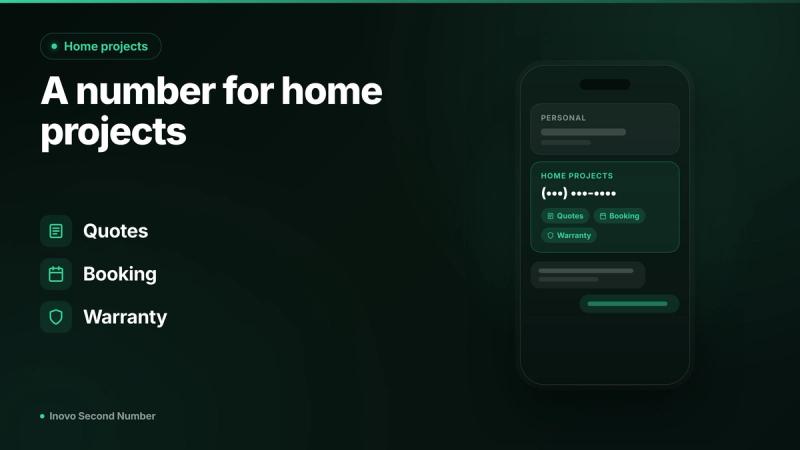
- Label it "Home projects" and use it for quotes, the pros you hire and booking.
- Keep it after the job for warranty calls. Our guide to free second phone numbers explains why some get taken back; see also keeping a number when you leave a job.
Give quote sites and contractors an Inovo Second Number instead of your main number. It's a real US or Canadian number on the iPhone or Android you already have. Prices: see in app.
Download on the App Store · Get it on Google Play
An honest note: a separate number doesn't stop calls to it. It keeps them off your main number, and you can still reply STOP or ask callers to stop. Inovo is for person to person calls and texts with pros you choose, up to 20 outbound messages per day, each composed and sent personally. Verification codes work with most services, not all. Per the Inovo FAQ: "Numbers are tied to active accounts. If your account is closed or your number expires due to inactivity, the number is released back to the carrier pool and cannot be recovered."
Own a rental? See our landlord guide to a phone number for tenants. Store texts too? See whether you have to give your phone number at checkout. Selling old fixtures? Use a separate number for marketplace selling.
FAQ
Why are so many contractors calling me after one quote request?
Many quote sites pass one request to several pros at once, and the terms you accept often let them call and text you. HomeAdvisor's terms, for example, allow calls from up to four service professionals. The pros compete for the same job, so their calls tend to arrive together.
Does Angi or HomeAdvisor sell my phone number?
Angi's privacy policy says it does not sell personal information in exchange for money, though some sharing for targeted advertising may count as a sale under US state privacy laws. Your request does go to service professionals, who pay for leads and may call you.
Does Thumbtack share my phone number with pros?
Thumbtack's help page says your number is only shared with pros you decide to contact directly. Other interested pros can message you but won't see your number unless you respond. Calls and texts may run through Thumbtack numbers, which most customers see as "Thumbtack" on caller ID.
How do I stop contractor calls after a quote request?
Tell each caller you're no longer looking and note the company and date. Reply STOP to texts, or use the opt out method a text names. Close the request and ask the platform for its internal do not call list. Block repeat numbers, and report persistent callers at donotcall.gov or, in Canada, the National DNCL.
Does the Do Not Call list stop calls from contractors I requested quotes from?
Not always. A quote request can count as consent, and HomeAdvisor's terms say you agree to contact even if you're on a Do Not Call list. In Canada, asking about a service creates an existing business relationship for six months. Register anyway, ask callers to stop, and check your local rules.
Can I get a contractor quote without giving my phone number?
Usually the site needs a number, but the pros may not get it. On Thumbtack and HomeStars, your number goes only to pros you contact, shortlist or invite, so chat in the app first. Elsewhere, read the consent box and give a separate number used only for home projects.
Is it safe to give a contractor a second phone number?
Yes, if it's a number you can keep and answer. A second number on your own phone works for quotes, booking and warranty calls, and keeps your main number off lead lists. It won't stop calls to that number, but you can still reply STOP or ask callers to stop.
Keep your main number for the people you know
Use the steps above to stop contractor calls after a quote request. Next time, give quote sites and contractors an Inovo Second Number instead of your main number. It's a real US or Canadian number on the iPhone or Android you already have. Start from the Inovo homepage. Prices: see in app.
Related guides
- Do You Have to Give Your Phone Number at Checkout? (US and Canada)Usually no. What stores do with your number, the California and Massachusetts card rules, how to say no, and how to stop loyalty texts in US and Canada.
- Should Landlords Give Tenants Their Personal Number? (US and Canada)Landlords in the US and Canada: what your lease must show, why the number has to ring, and how to give tenants a separate number on the phone you own.
- Gave Your Number to a Match and Regret It? Here's What to Do NextRegret giving a dating match your real number? Block, report and lock your carrier account in 10 minutes, and know when it is time to report a scam.

